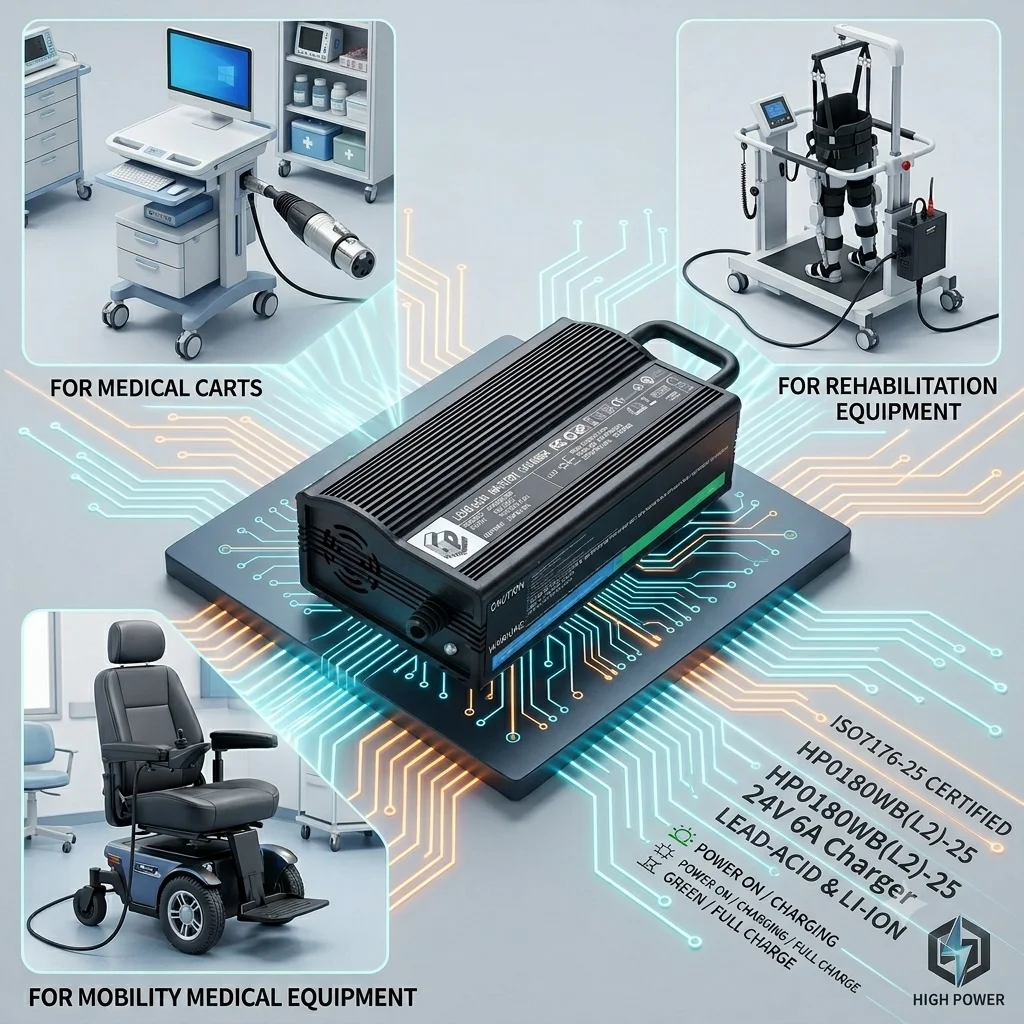
24V 4A Wheelchair Charger – FAQ
1. What charger fits a 24V wheelchair battery?
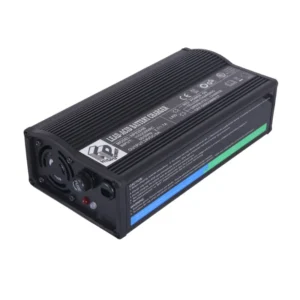
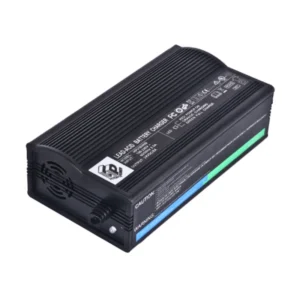
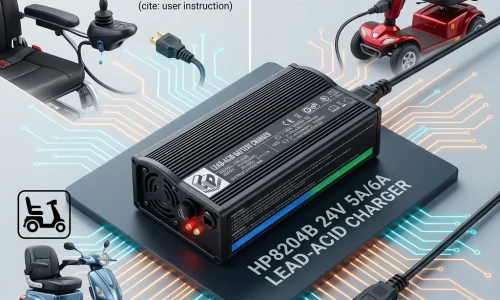
A 24V wheelchair battery requires a 24V charger with suitable current, typically 4A or 6A.
A 24V 4A wheelchair charger is the most common choice for standard power wheelchairs and mobility scooters.
2. Can I use a 24V 4A charger for my mobility scooter?
Yes, a 24V 4A mobility scooter charger is widely used and provides stable, safe charging. It is ideal as a replacement charger for most standard scooters.
3. Is a 24V 4A charger compatible with Pride or Drive wheelchairs?
Most Pride Mobility and Drive Medical wheelchairs use 24V systems.
A 24V 4A charger works as a replacement if the connector matches.
4. How long does it take to charge a wheelchair battery with 4A?
Charging time depends on battery capacity:
4A charger: 6–10 hours
Ideal for overnight charging
5. What is the difference between 24V 4A and 24V 6A chargers?
24V 4A charger → standard, cost-effective
24V 6A charger → faster charging
6A chargers can reduce charging time by up to 30–40%.
6. Can I replace my original wheelchair charger with a universal one?
Yes, a universal wheelchair charger can replace the original if:
Voltage matches (24V)
Connector fits
Battery type is compatible
7. Is it safe to leave a wheelchair charger plugged in overnight?
Yes. Modern chargers include:
Overcharge protection
Auto shut-off
Short circuit protection
This makes overnight charging safe.
8. What type of batteries does a 24V 4A charger support?
Most chargers support:
Lead-acid batteries (AGM / GEL)
Some lithium batteries (if specified)
9. Why is my wheelchair charger not working?
Common reasons:
Damaged connector
Battery failure
Charger aging or internal faults
10. Where can I buy a reliable wheelchair charger supplier?
Choose a manufacturer that offers:
UL / CE certified chargers
OEM & bulk supply
Stable quality and warranty
 Tip: Working with a direct factory improves pricing and consistency.
 24V 6A Fast Wheelchair Charger – FAQ
11. Is a 24V 6A charger better than 4A?
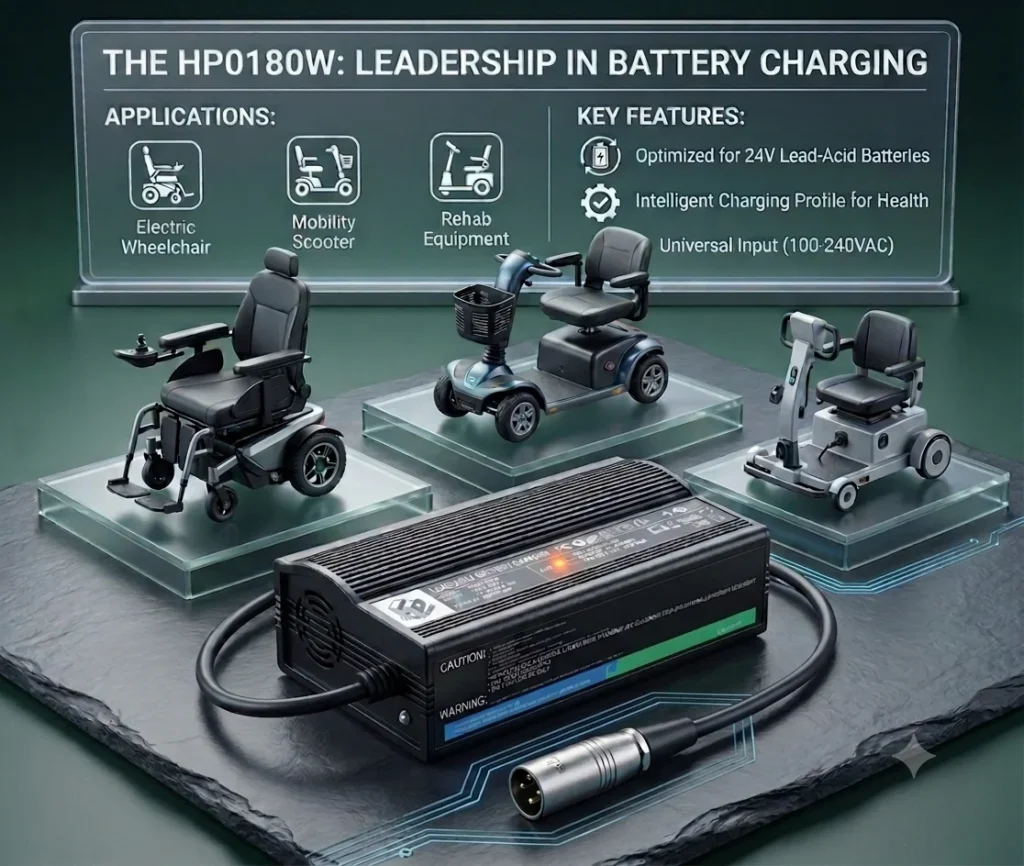
Yes. A 24V 6A wheelchair charger provides faster charging and is ideal for users needing quick turnaround.
12. Can I use a 6A charger instead of 4A?
In most cases, yes—if the battery supports higher current.
Always confirm battery specifications before upgrading.
13. Does fast charging damage wheelchair batteries?
No. A smart 24V charger with proper charging control will not damage the battery.
14. Who should use a 24V 6A charger?
Best for:
Heavy daily users
Rental businesses
Fleet operators
Distributors selling premium products
15. How fast can a 6A charger charge a wheelchair?
Typically:
4–6 hours depending on battery size
16. Why do distributors prefer 6A chargers?
Because they offer:
Higher selling price
Better profit margins
Growing market demand
17. What makes a charger “heavy duty”?
A heavy-duty wheelchair charger includes:
High current output (6A+)
Efficient heat dissipation
Durable housing (aluminum or PC)
18. Can a 6A charger be used for mobility scooters?
Yes. It is commonly used for:
High-capacity mobility scooters
Power wheelchairs
19. What certifications should a high-power charger have?
Recommended certifications:
UL (USA)
CE (Europe)
FCC / SAA
20. How to choose between 4A and 6A charger?
Choose 24V 4A → standard use / lower cost
Choose 24V 6A → faster charging / premium market
Looking for a Reliable Wheelchair Charger Supplier?
We manufacture 24V 4A & 24V 6A wheelchair chargers with:
UL / CE / FCC / SAA certifications
OEM & private label support
Fast global shipping
Contact us now to get a quote or free sample evaluation